Before we get deep into it, we will start with a basic example to show you the functionality of the system and basic terminology. We will continue our previous example and use the same tables.
We are going to use JavaScript in our website/UI builder to call back to our database that is connected to our site, and ask it to show all cars that are available in stock with a model above 2014.
Final results
This is the final result we wish to accomplish:

Step 1 – create a table
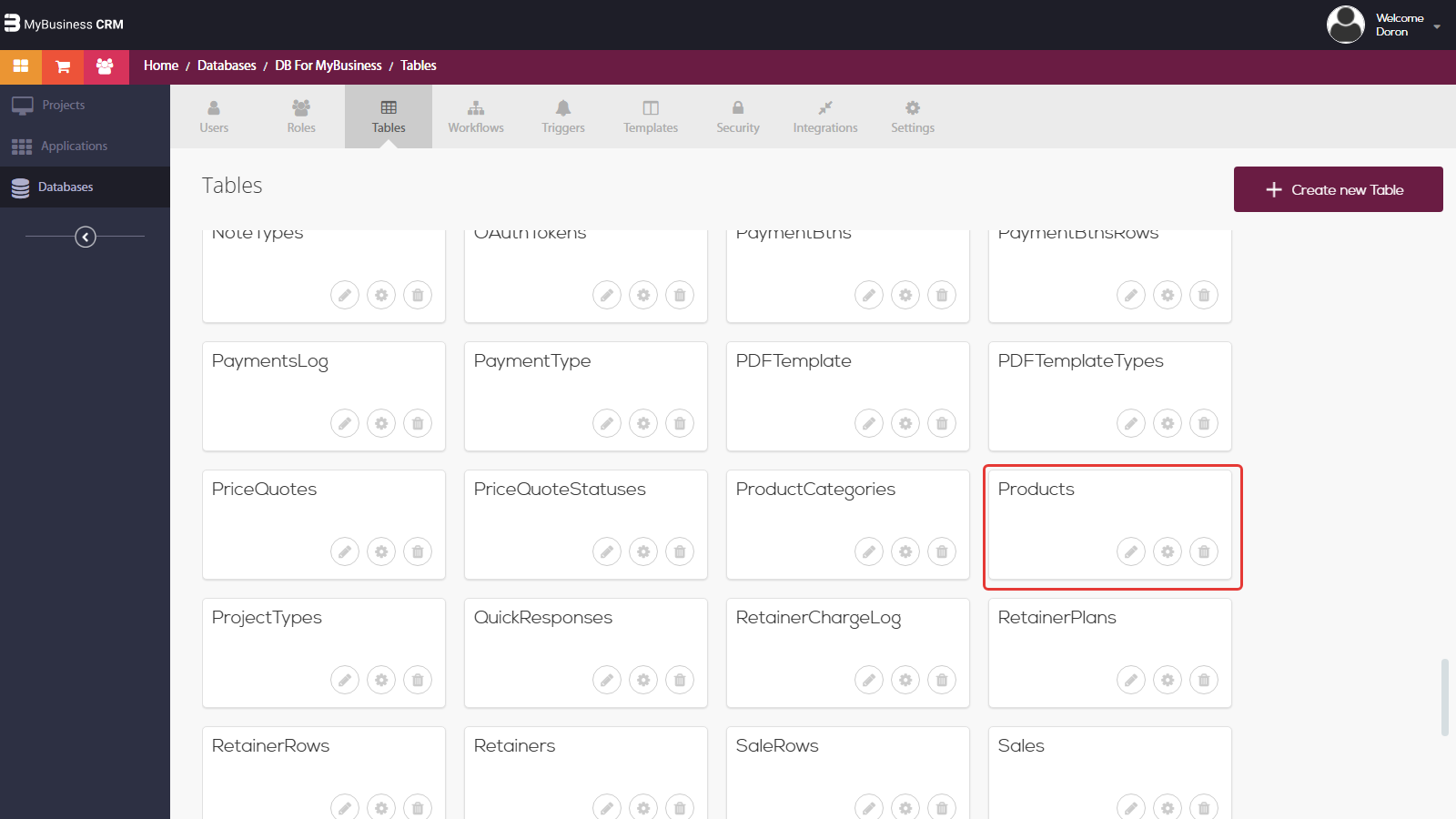
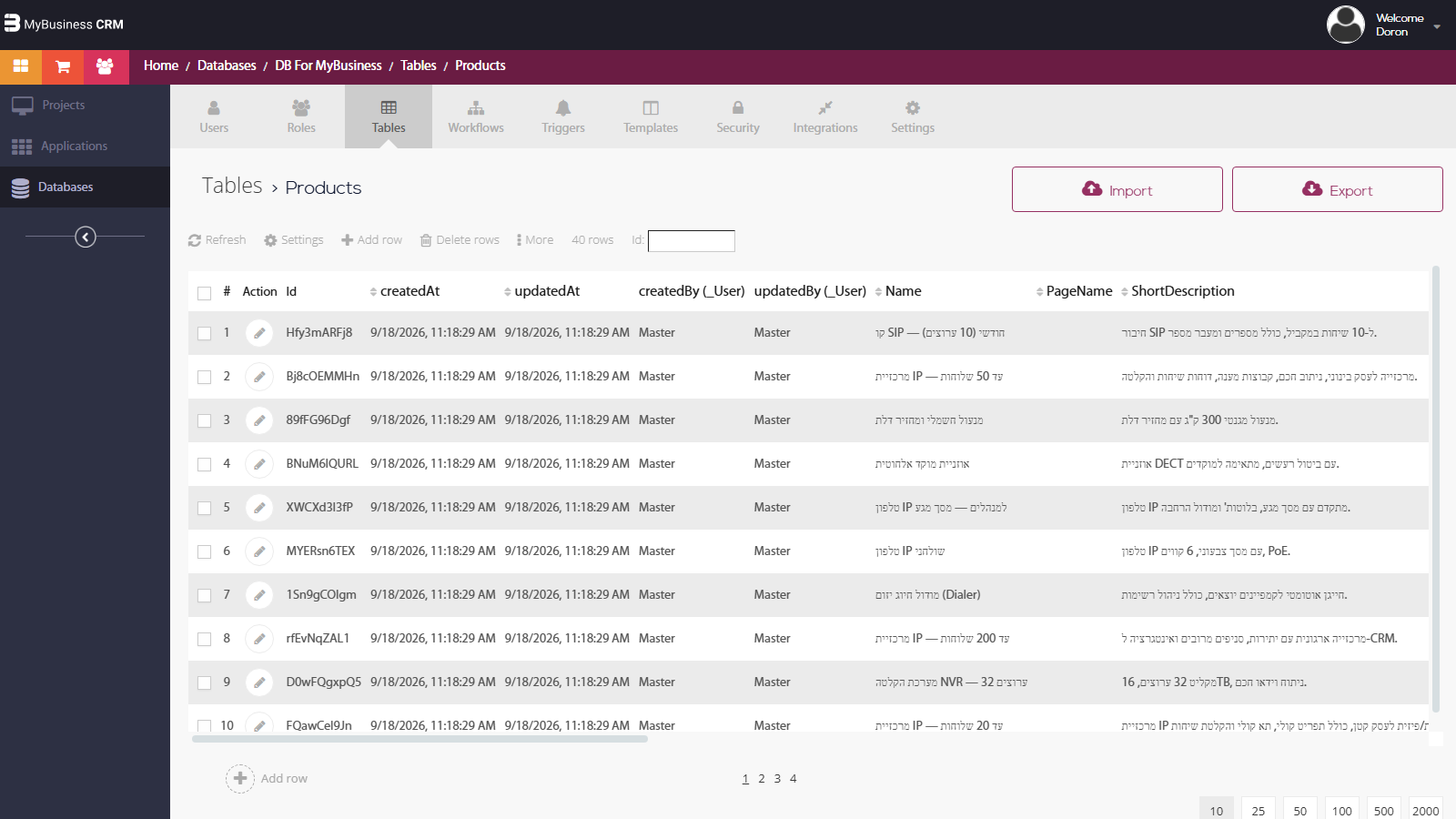
Below you will find our table called “cars” that is placed in our database that is named “example”.
Here are our column names if you wish to follow the example:
car_model, car_code, car_color, car_year, car_img, available stock
Step 2- connect your website to the right database
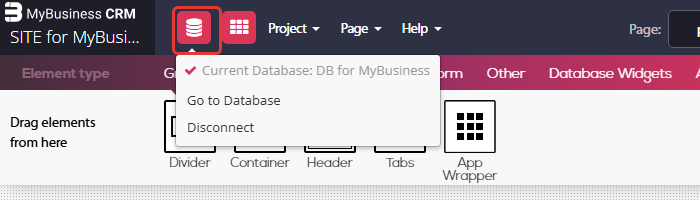
After setting up our table, we will enter the website builder. From the top left bar we will enter website settings and connect our database named "example" to our website as below:
Step 3 – create an element to contain database data
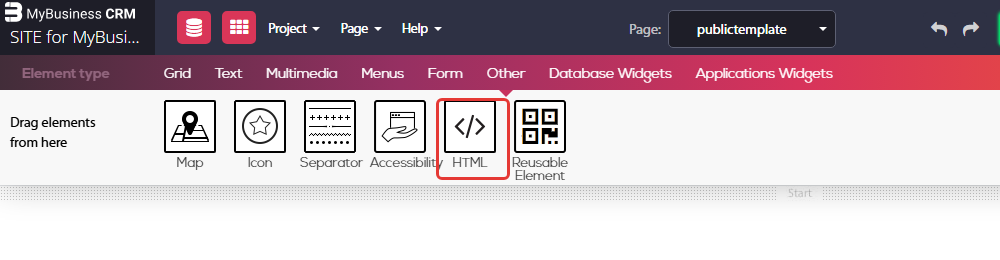
We will drop down an HTML element and add our code that will present our work:
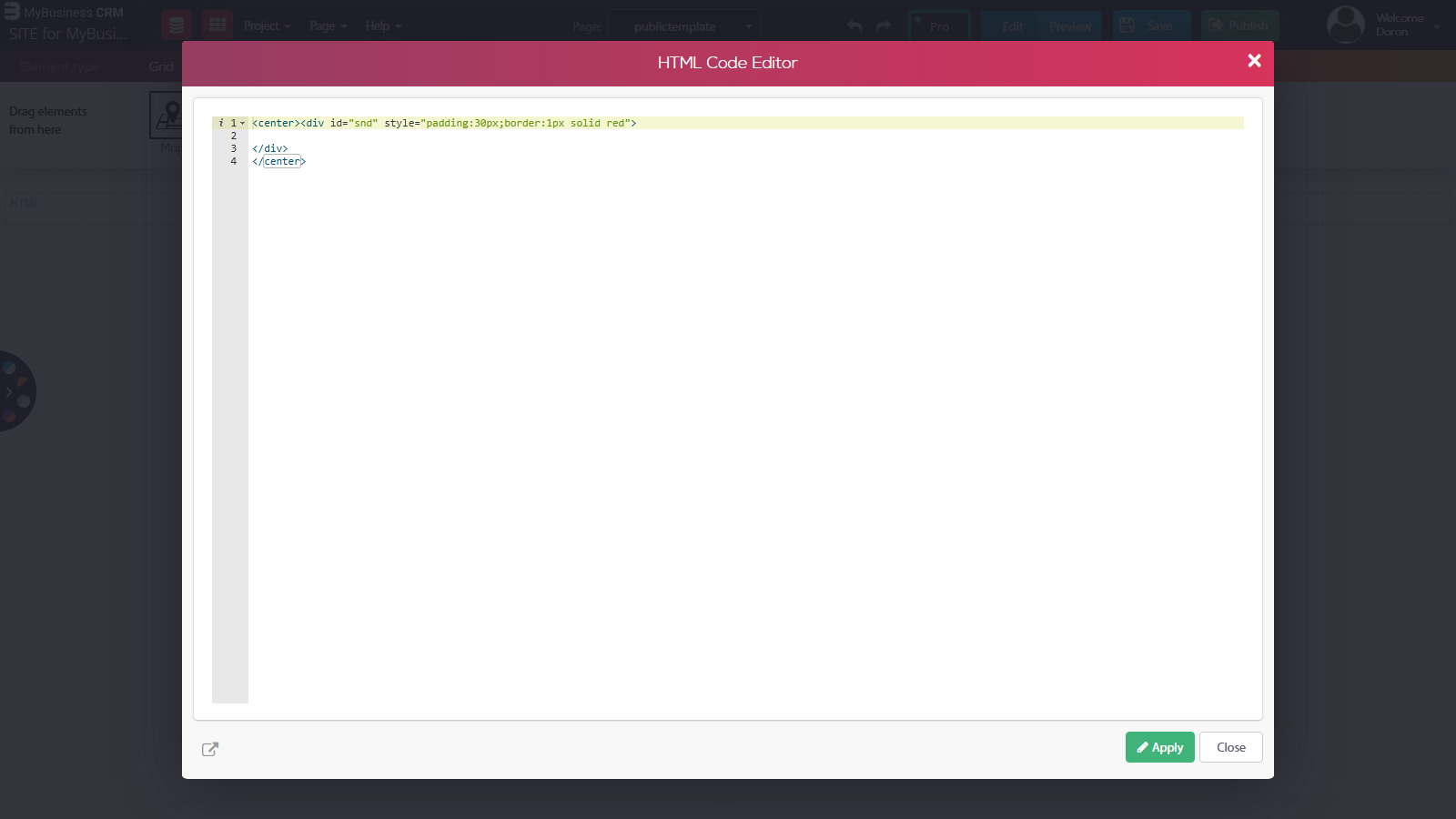
HTML code:
"+ car[i].get("car_model") + "
Step 4 – get data from the database
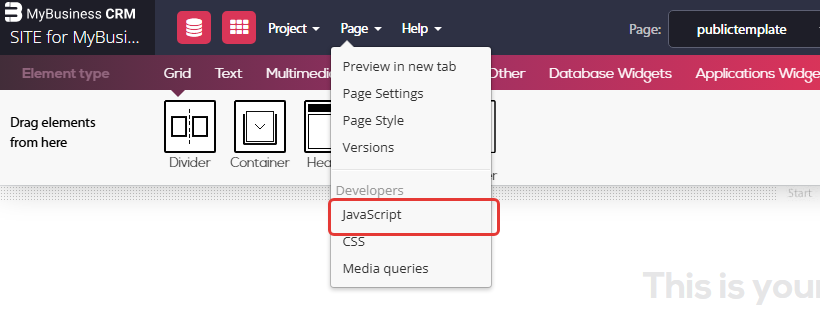
To add our Javascript code we will open our Javascript tool. Go to – Page menu > Javascript.
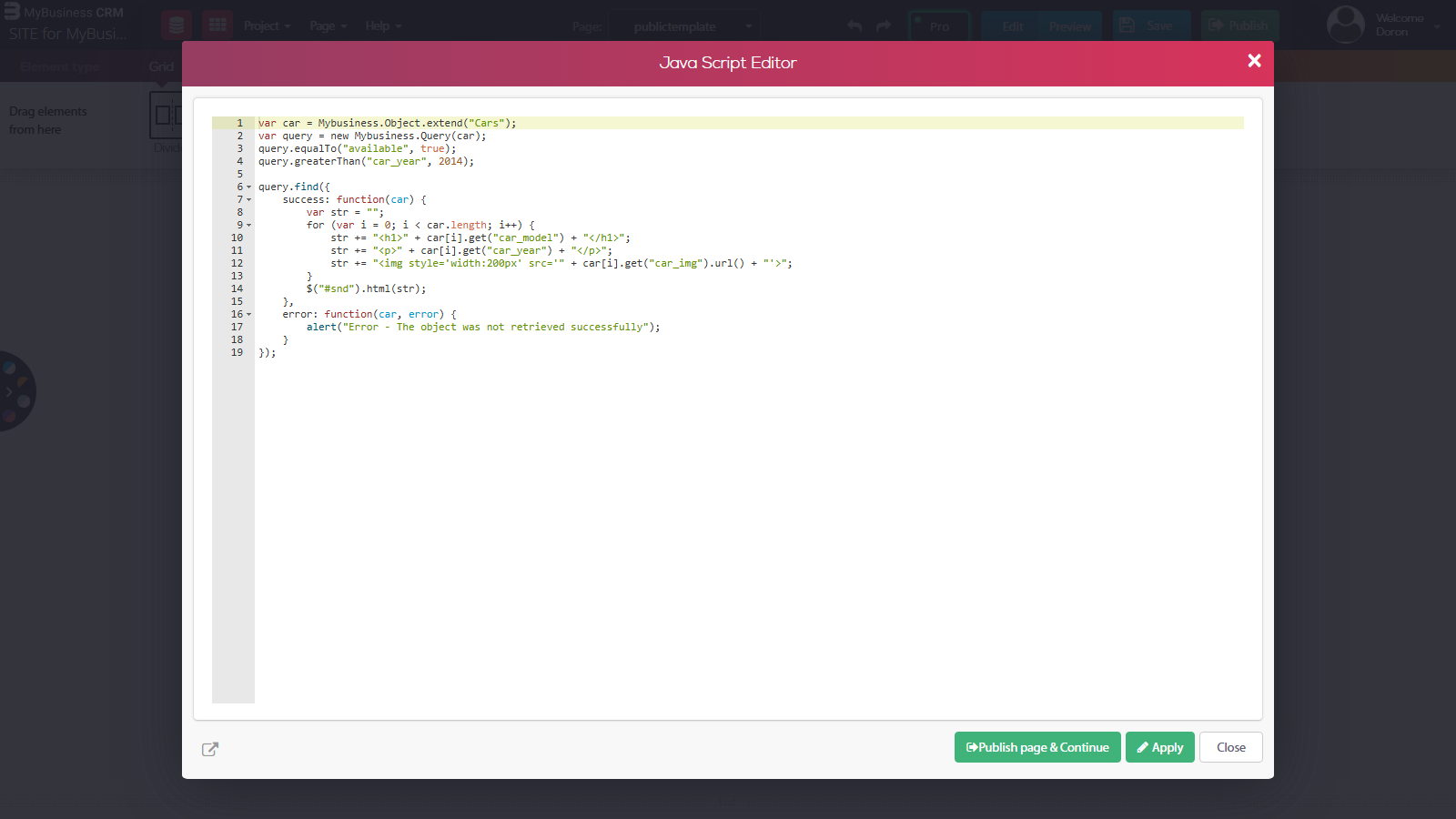
Javascript code:
var car = Mybusiness.Object.extend("Cars");
var query = new Mybusiness.Query(car);
query.equalTo("available", true);
query.greaterThan("car_year", 2014);
query.find({
success: function(car) {
var str="";
for (var i=0;i
str += "
";
str += "
"+ car[i].get("car_year") + "
";
str += "<img style='width:200px' src='" + car[i].get("car_img").url() + "'>";
}
$("#snd").html(str);
},
error: function(car, error) {
alert("Error – The object was not retrieved successfully" );
}
});