Mybusiness online database allows you to comfortably manage, create and edit your users. Another important feature is the ability to set group and individual permissions.
After a user registers your site, his information will automatically enter the “_user” table.
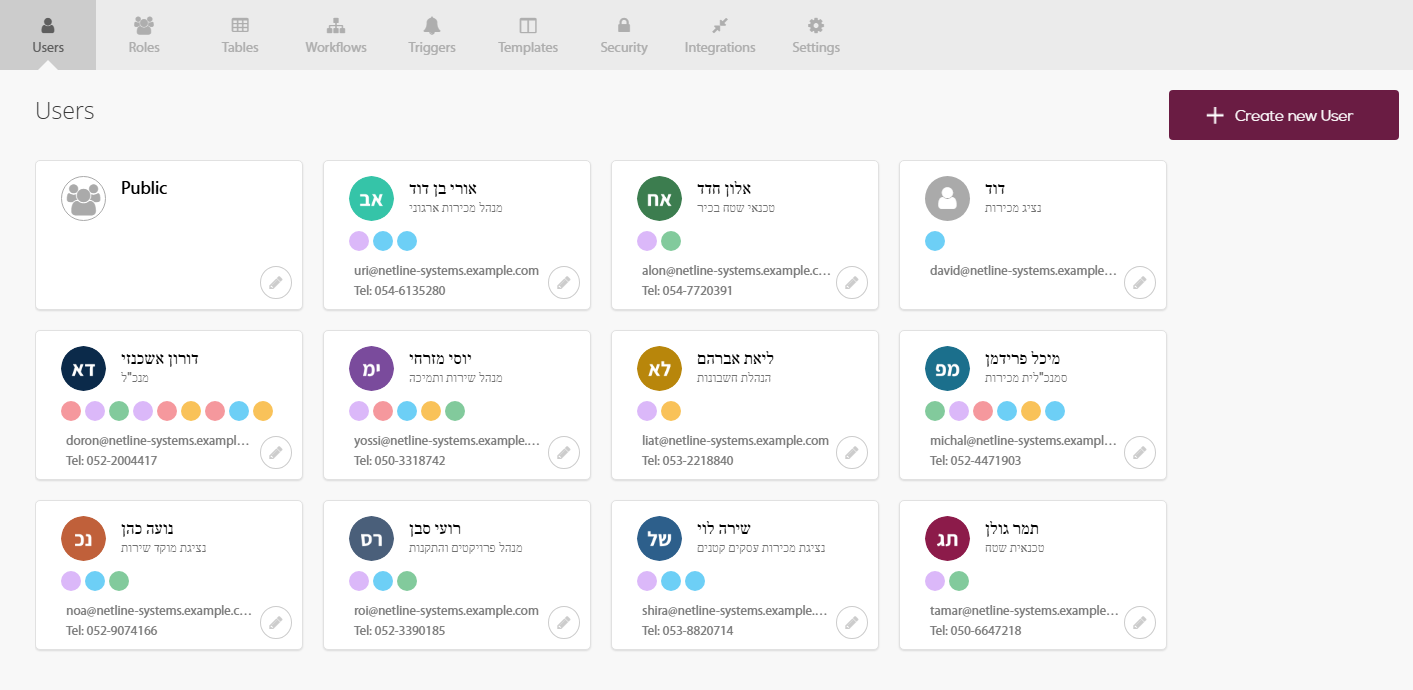
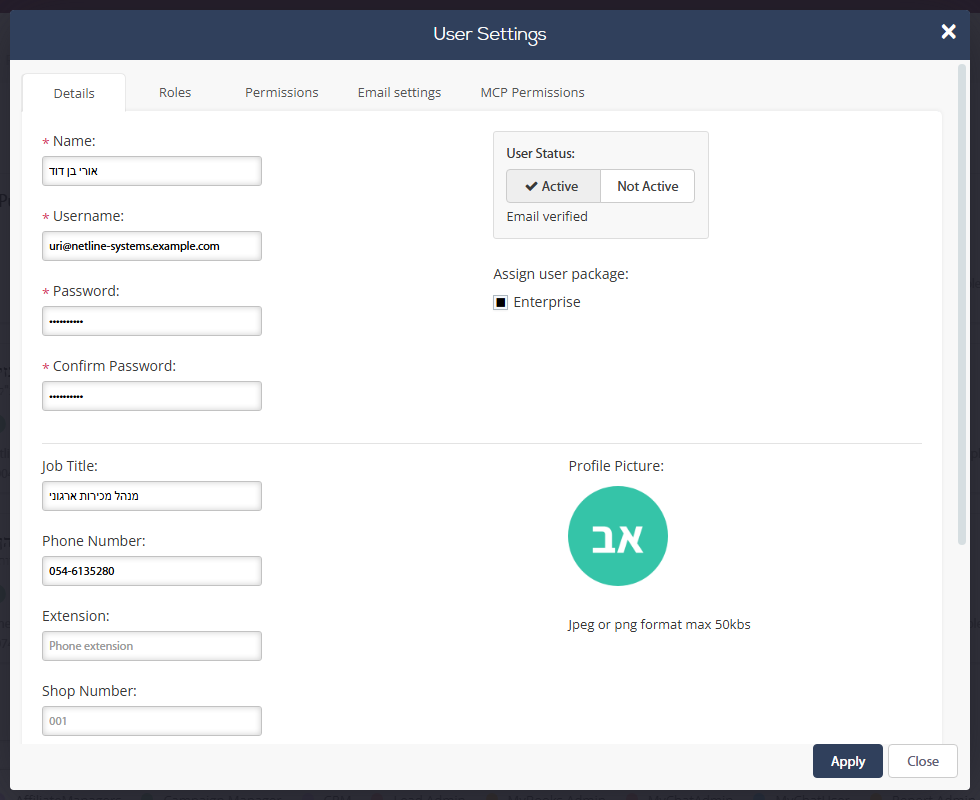
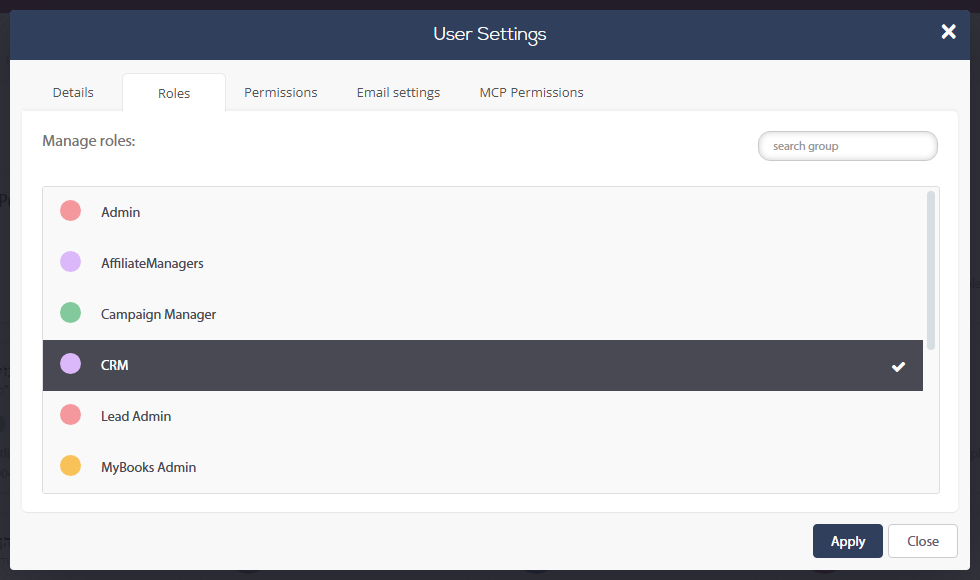
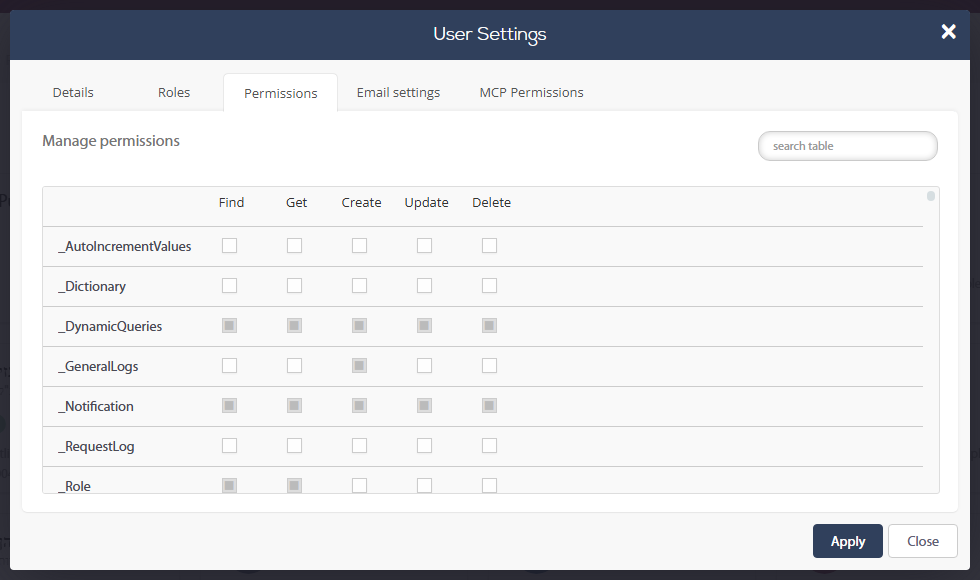
Clicking the pencil icon will open a window with three tabs:
1. User details – edit your user basic information.
2. Roles – set the user's role from your list of roles.
3. Permissions – set the user's individual permissions.
4. Email settings – set the user's SMTP settings
As in our example, once a user is given a role, the individual user's permissions will be updated automatically by the permissions set by the role and won't be editable through the user’s profile.
You will notice that the “_user” table has been automatically generated. While under the user tab from the main toolbar you will manage all of your users, the user table is for adding extra columns and collecting extra information from your users. Another important feature of the table is the option of exporting all the information to a csv file.